



Account required
Sign in to download
You can browse listings, docs, support, and wiki pages without an account. Buying, downloading, and reviewing are tied to a Block Arsenal account so entitlements, updates, and support stay attached to you.
You can browse the full site without an account, but downloads and purchases unlock after you sign in.
Author
Duq_
Downloads
1
Updated
3/21/2026
Documentation
Kits & Crates + — Documentation
Author: Duq_ • Native: 1.21 • Test Server: mcwar.co
1) Requirements
Minecraft: 1.21.x (recommended: Paper)
Java: Java 21
Permissions plugin (optional): LuckPerms or similar (recommended for kit/crate access control)
2) Installation
Drop the jar into: /plugins
Start the server once to generate files.
Stop the server (optional but recommended) and review configs.
Start the server again.
Tip: If you’re upgrading from an older build, back up your plugin folder first:
/plugins/i
3) First-Time Setup Checklist
Open the admin/editor menu.
Create at least one Kit and one Crate.
Set up permissions for staff and players.
Test a full crate opening flow (animation + reveal + rewards + actions).
(Optional) If you’re using world crates: place/register a block crate + verify counter display + key behavior.
4) Core Concepts
Kits
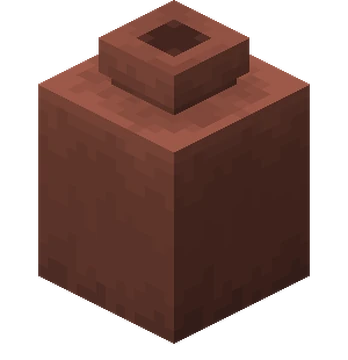
A kit is a saved loadout (items + meta) that can be redeemed via GUI/command.
Kits can be public, permission-gated, or admin-only depending on your setup.
Kits can be “inventory style” (slot-specific) OR layered/container style (rollable pools).
Crates
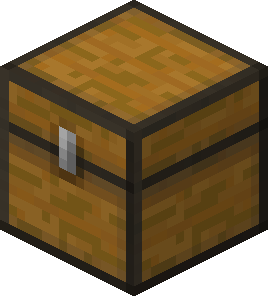
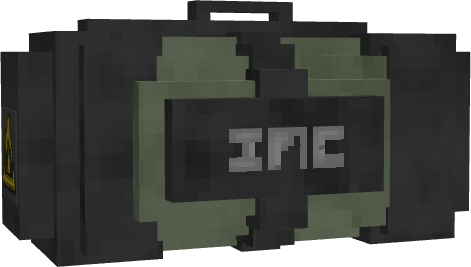
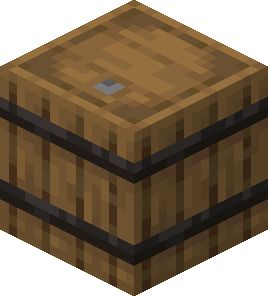
A crate is a reward pool with entries that can be rolled, typically with an opening animation + reveal.
Each reward entry can include items AND optional “Reward Actions” (commands/sounds/particles).
Crate opening sessions are protected to avoid interruption mid-animation.
Crates support layered containers (nest pools inside pools so crates aren’t flat).
Reveal Styles / Themes / Effects
Reveal Style controls the motion/showcase style (example: ORBIT / HELIX / FRONT_LINE / POP_UP / etc.)
Reveal Theme layers a “vibe” on top (example: DEFAULT / FIRE / ICE / VOID / ELECTRIC / etc.)
Reveal Effect is a separate effect selection used by the editor (example: ground_break_fire style effects depending on your build)
Block Crates + Keys
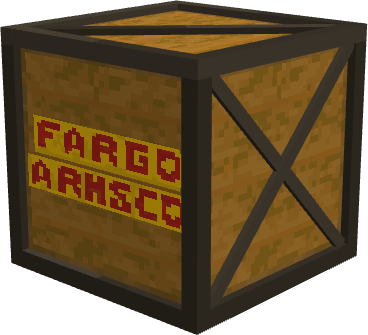
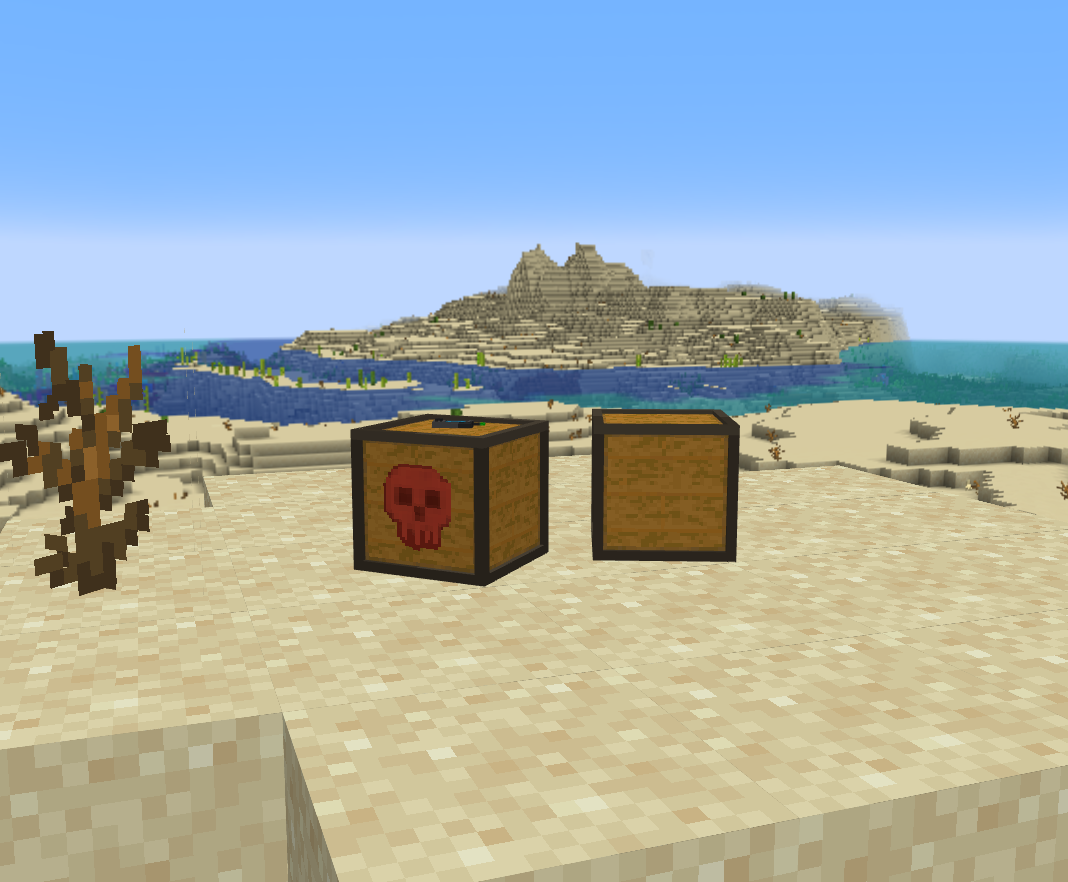
Block crates are physical world crate blocks that can be placed/registered for openings.
Block crates can show an optional uses counter display above the block (readable for players).
Block crates can require keys (key can be checked in-hand or anywhere in inventory depending on settings).
Block crates can run ambient particles and opening FX for a premium idle/open feel.
Reward Actions (Optional per reward entry)
Player Command — command runs as the player (permissions apply).
Console Command — command runs as console (use with care).
Sound — sound played on win (or during the flow depending on settings).
Particles — particle effect on win (or during the flow depending on settings).
5) Using the Admin GUI (Editor)
Note: Menu labels can vary slightly depending on your build. The flow below matches the standard editor structure.
5.1 Create a Kit
Open the admin/editor menu.
Go to Kits → Create.
Set:
Name (internal id + display name)
Icon (what shows in the GUI)
Description/Lore (optional)
Permission (optional but recommended)
Add items:
Use the editor’s Add Item tools (or drag items in, depending on your build).
Save when finished.
5.2 Create a Crate
Open the admin/editor menu.
Go to Crates → Create.
Set:
Name (internal id + display name)
Icon
Tier (if your build uses tiered crates)
Reveal Style (controls motion/showcase style)
Reveal Effect (selectable effect option used by the editor)
Open rules (who can open, where, etc. depending on config)
Add reward entries:
Add an item reward (or a “virtual reward” if supported).
Set the % chance for that entry.
(Optional) Add Reward Actions: player/console commands, sounds, particles.
(Optional) Add nested containers for layered “roll inside roll” behavior.
Repeat for each reward.
Save the crate.
5.3 Editing Chances (Best Practices)
Keep common rewards in higher ranges (ex: 30–60%), rare rewards lower (ex: 0.5–5%).
Avoid “impossible math” where total chances don’t make sense for your roll system.
If your build uses weighted selection rather than strict percentage totals, treat “%” as relative weight.
Important: If your crate system runs an animation, do not force-close the inventory or reload the plugin mid-opening. The system is designed to protect active openings.
5.4 Block Crates + Key Settings (Crate Access)
For each crate, open its access/settings GUI (the “Crate Access” style menu depending on your build).
Configure:
Default block uses (limited-use crates)
Key requirement behavior (required/consume; key check in-hand vs anywhere depending on server settings)
Admin bypass behavior (if enabled/disabled)
Deplete effect style (when uses hits 0)
6) Player Usage
Players can redeem kits via:
Kit GUI (if enabled)
Kit commands (if enabled)
Players can open crates via:
Crate GUI / opening menu (common setup)
Block crates in-world (if enabled on your server)
Other access methods depending on your server’s flow (keys/commands/etc.)
If a crate requires a key, the player must have a valid key based on your key settings.
If a block crate is limited-use, the uses counter display (if enabled) shows remaining uses.
7) Commands
These match the current plugin.yml command labels. Subcommands are shown in each command’s usage.
Command Purpose
/kits Open the kits menu
/kit Claim or manage kits (includes create/edit/delete/reload patterns)
/crate Open or manage crates (includes open/give/create/edit/delete/reload patterns)
/kcp Open Kits & Crates+ settings
8) Permissions
These match the current plugin.yml permission nodes. Use per-id permissions for access control, or wildcard nodes if desired.
Permission Purpose
mcwar.kits.admin Admin access to kits (create/edit/delete/reload + bypass)
mcwar.crates.admin Admin access to crates (create/edit/delete/reload + bypass)
mcwar.kits.use.* Wildcard permission for all kits
mcwar.crates.use.* Wildcard permission for all crates
Common per-id patterns (recommended):
mcwar.kits.use. (example: mcwar.kits.use.mega_example)
mcwar.crates.use. (example: mcwar.crates.use.tier6_example)
9) Files & Configuration
After first run, the plugin creates a folder in:
/plugins/i
Common files you may see (names vary by build):
config.yml — global settings (reveal defaults, block crates + keys, menus/themes, picker libraries)
messages.yml — user-facing messages (MiniMessage formatting)
theme-packs.yml — /kits menu theme packs (applied in-game)
kit-menu.yml — kit menu icon/name/description data (if separated)
kits/ — saved kits (inventory kits + container kits)
crates/ — saved crates + reward pools + animations/settings
If you edit files manually, restart or use the plugin’s reload option (if provided) to apply changes safely.
9.1 Menu Theme Packs (/kits)
The /kits GUI is fully themeable (title, border, fill, buttons, lore templates, etc.)
Theme packs can be applied in-game (Menu Themes) and saved as the active theme.
Common packs included in builds like this: Premium / Minimal / Dark / Neon (depending on your file pack).
9.2 Block Crates + Keys (Config)
Global block crate system is controlled under a crateBlocks section (enabled/protect/persistent behavior).
Uses counter display can be enabled/disabled, with formatting + gradient coloring.
Ambient and opening FX can be toggled/tuned (premium idle feel).
Key defaults and key item templates are configurable (required/consume + lore templates).
9.3 Reveal Defaults + Picker Libraries
Reveal defaults (style/theme) can be set server-wide so crates look good out of the box.
Sound + Particle picker libraries are included so admins can pick effects quickly and consistently.
Some builds also support particle “preset” tags shown in example content (ex: PRESET:HALO / PRESET:SPIRAL / PRESET:EXPLOSION).
[hr][/hr]
10) Troubleshooting
[spoiler=Common Issues]
“Commands don’t work”
- Confirm you’re using the correct command label (check plugin.yml or /help).
- Confirm permissions.
- Confirm the plugin loaded successfully at startup (look for its enable message).
“Crate animation stops / weird behavior”
- Avoid reloading mid-opening.
- Confirm no inventory/GUI management plugins are force-closing inventories.
- Test with a minimal plugin set to isolate conflicts.
“Rewards actions don’t run”
- For console commands: verify the command works when run from console manually.
- For player commands: verify the player has permission for that command.
- If placeholders are supported, use the exact placeholder format shown in your editor/config (commonly %player%).
11) Support
When reporting an issue, include:
Server software + version (Paper/Spigot + build)
Plugin version
Exact steps to reproduce
Console errors (full stack trace)
Your kit/crate file(s) if the bug is content-specific
Test Server: mcwar.co
Account required
Sign in to download
You can browse listings, docs, support, and wiki pages without an account. Buying, downloading, and reviewing are tied to a Block Arsenal account so entitlements, updates, and support stay attached to you.
Author
Downloads
1
Released
3/21/2026
Updated
3/21/2026
Compatibility
Paper, Spigot
Dependencies
Install difficulty
Easy
Latest release
0.3.4 | 3/21/2026
Latest release notes will surface here alongside the full updates tab.